I used to spend the first hour of every morning checking platforms one by one. Now I can see which accounts need attention before I start.
DLDaniel LinIndependent brand content operator

Manage every platform in one place and keep operations on schedule
Choose the installer for your system.
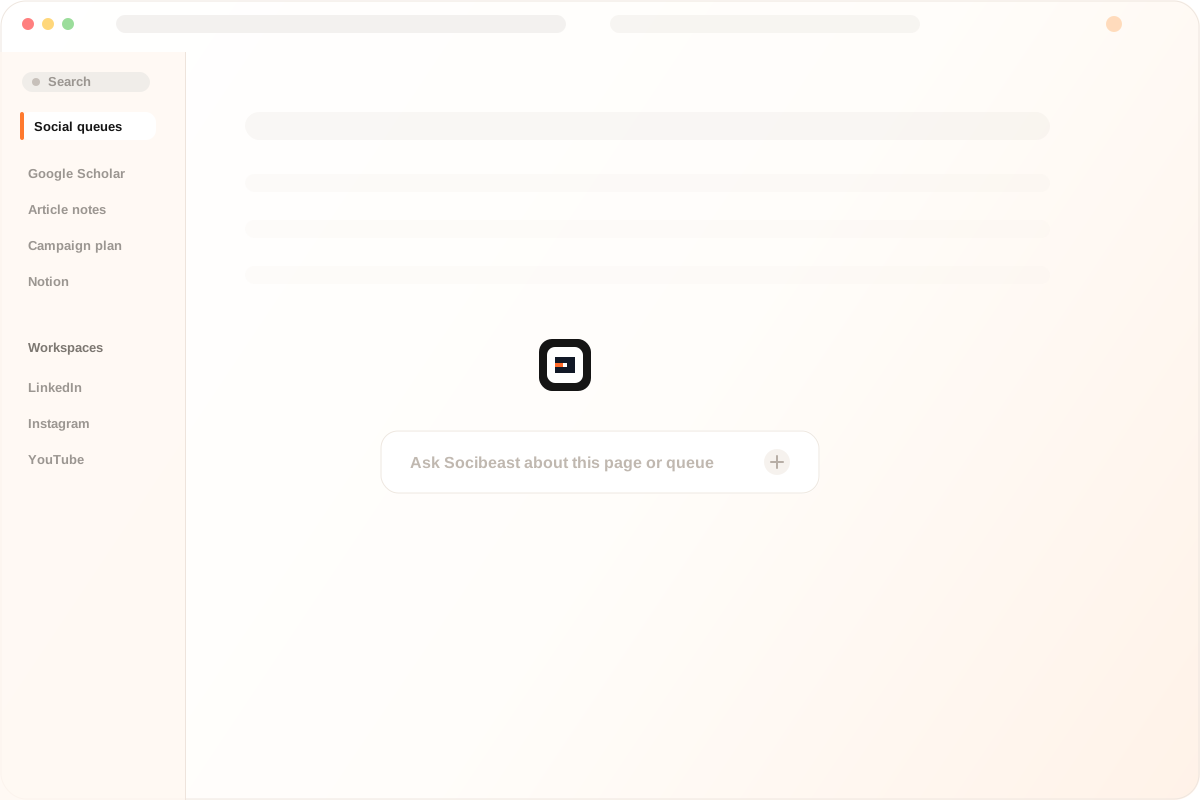
Bring account details, content assets, and activity history into each workflow without repeatedly searching or copying information.
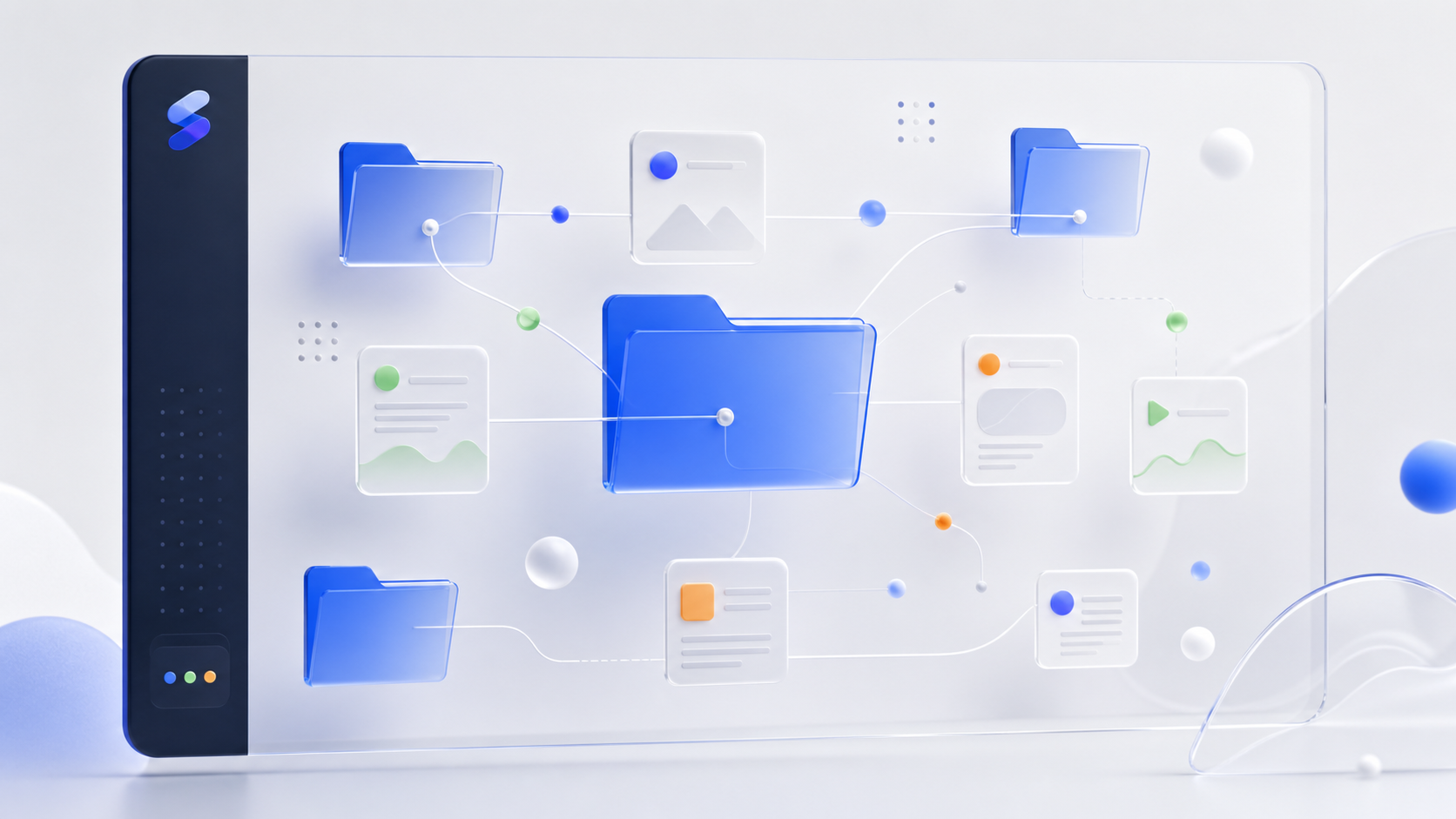
Run publishing, account checks, and engagement tasks through defined workflows, with progress, results, and exceptions fully traceable.

Save frequent publishing, account checks, and engagement tasks as templates, then run them without configuring everything again.

No technical barrier. Generate a script from one sentence, then run the idea right away.

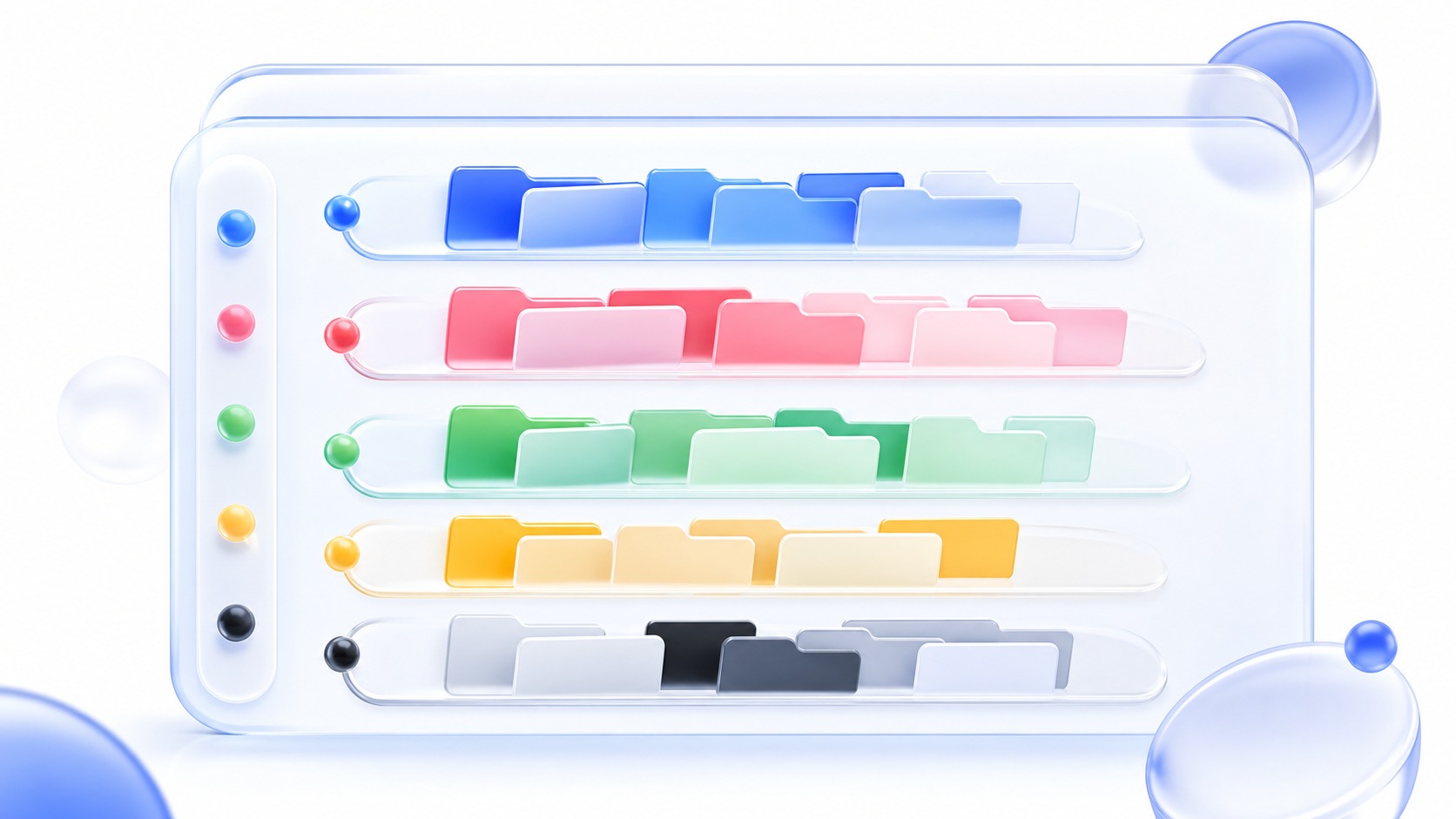
Escape the clutter. Group tabs with one click, then keep every workflow within reach.
Socibeast believes internet services should work for each person, not become a tool for collecting personal data. Your data belongs to you, and you decide what to view and what to share.

I used to spend the first hour of every morning checking platforms one by one. Now I can see which accounts need attention before I start.
Publishing plans and engagement tasks finally sit in one queue, so our overseas campaigns are much easier to review and hand over.
The account status view is the most useful part for me. Login issues and pending tasks no longer stay hidden until someone notices.
When a campaign changes, I can update the plan and follow each account from preparation to execution without maintaining another spreadsheet.
Engagement tasks now leave clear results and failure reasons. Weekly reviews are based on records instead of memory.
I manage several accounts on my own. Keeping plans, tasks, and account notes together gives me back time for content and growth.
A desktop client for managing platform accounts, content queues, engagement records, sync tasks, automation, and daily review.
No. Socibeast organizes work around the platforms your team already uses and keeps platform rules visible.
Yes. Use the installer buttons on this page to get the latest package.
Passwords, verification codes, cookies, and private account data should not be sent to support. Use the trust center for boundaries and policy details.
Socibeast is designed for multi-platform social operations. You can organize platform shortcuts, account notes, browsing context, files, and repeatable tasks in one workspace.
It can help with repeated browser work such as opening pages, referencing visible context, filling forms, collecting records, preparing replies, and keeping execution logs for review.
Yes. Teams can use shared workflows, operation records, task queues, and review notes to keep repeated work traceable and easier to hand off.